Create your perfectpractice app.
Practice Pro is a new kind of practice app. Pick from 28 widgets, from a strobe tuner to a speed trainer, and put the ones you need on one page. They all run at the same time.
Free for iPhone and iPad. Every widget included.
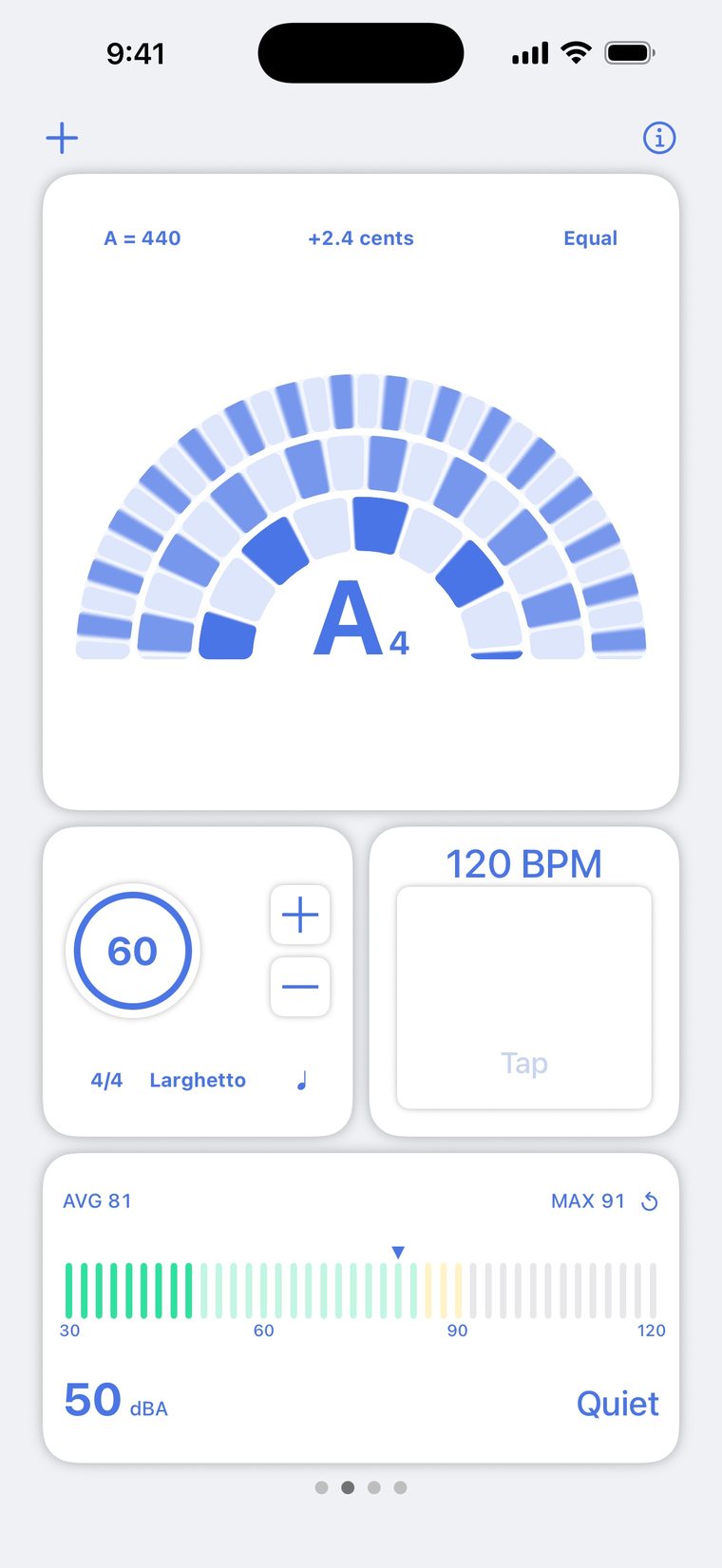
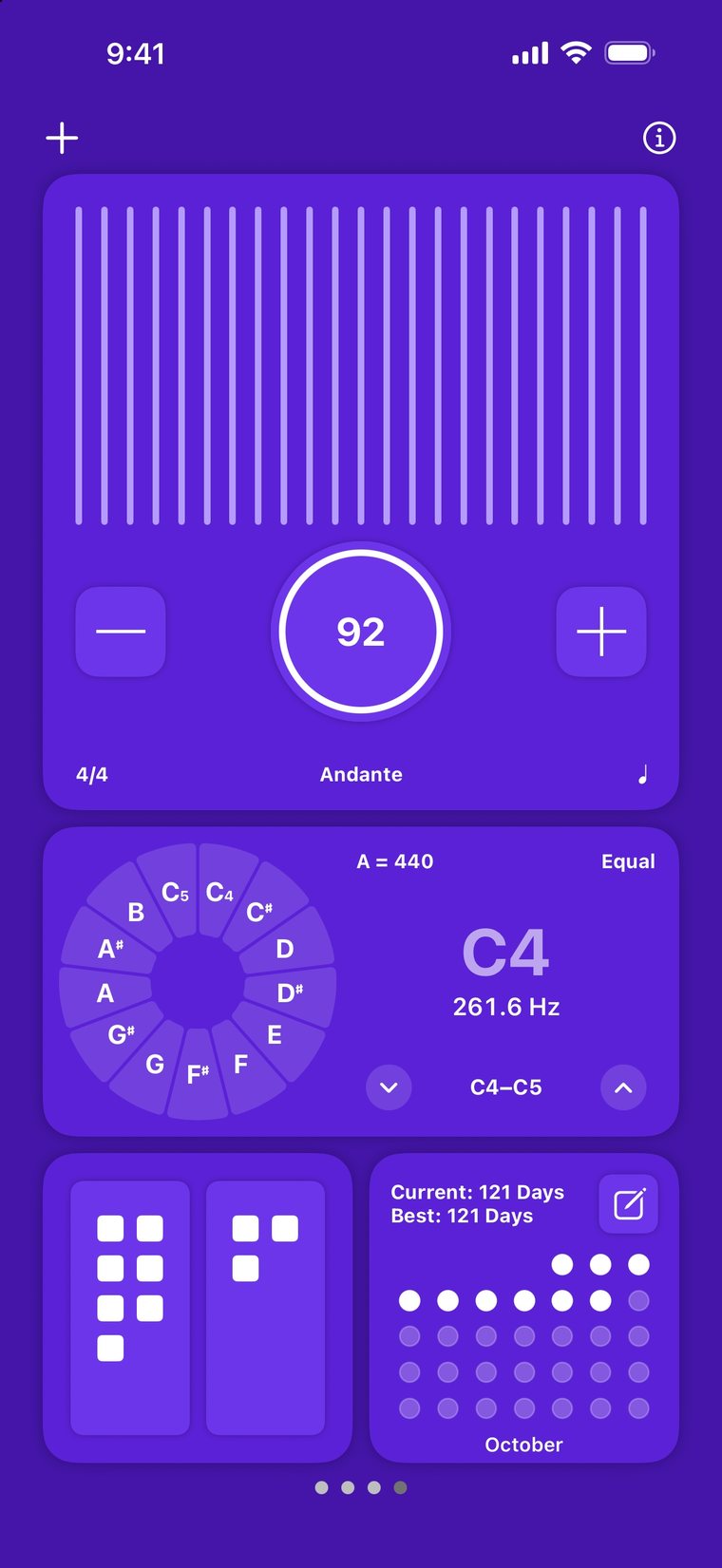
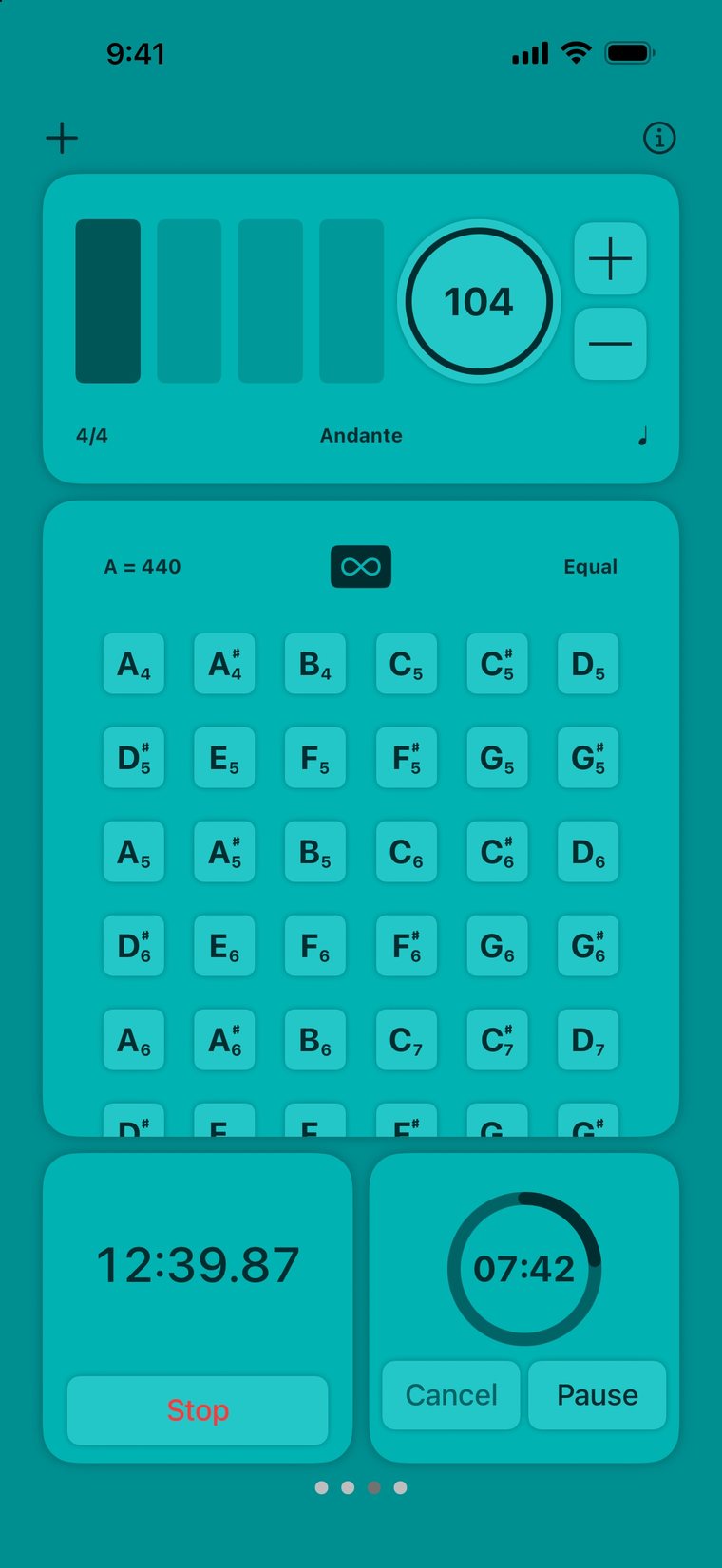
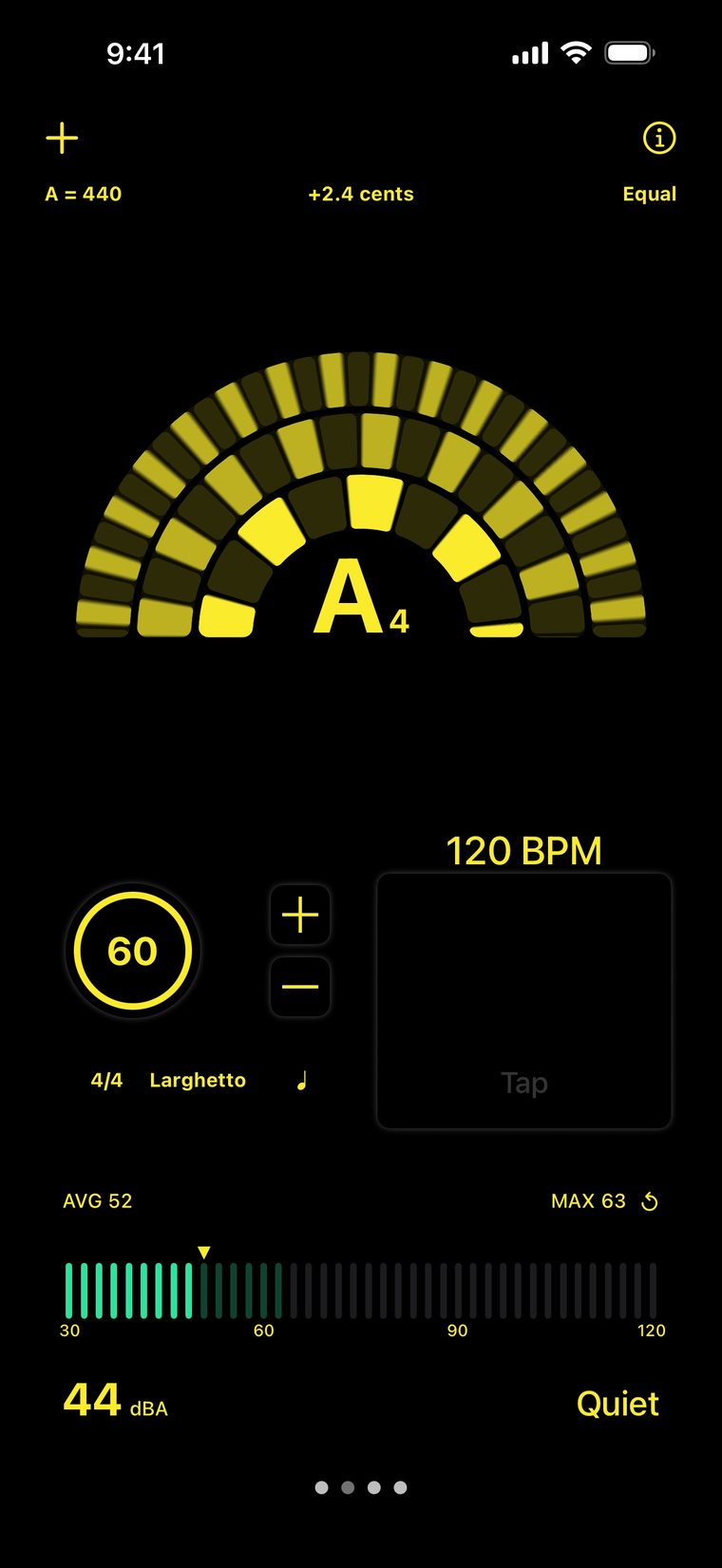
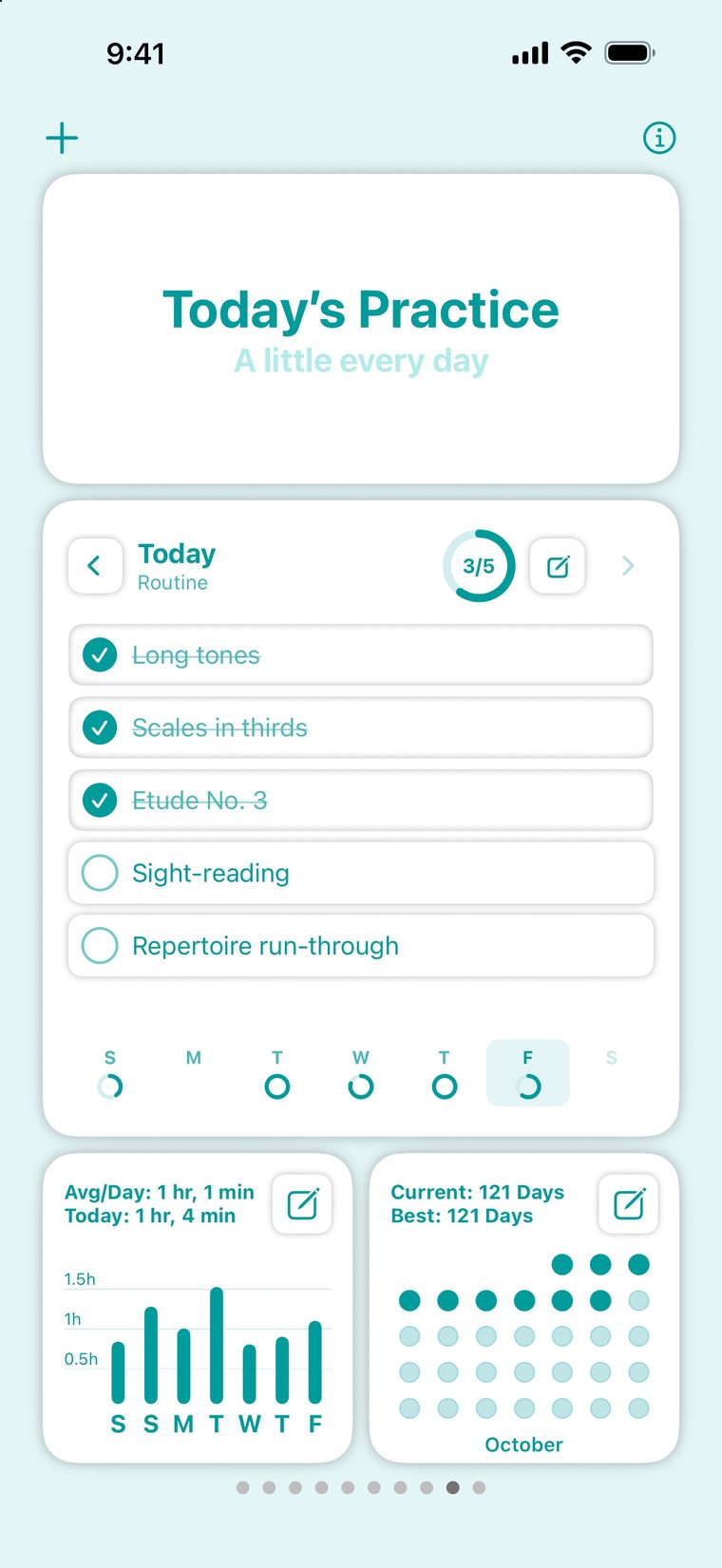
Add only the toolsyou need.
Put up to eight widgets on a page and make a page for every part of your practice. Swipe between pages, and keep the metronome going if you like.
Customize your practicewith 28 widgets.
Fifteen tools, several of them in more than one style. Each widget has its own settings and comes in up to three sizes.
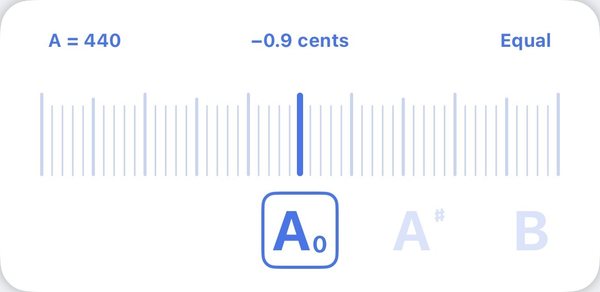
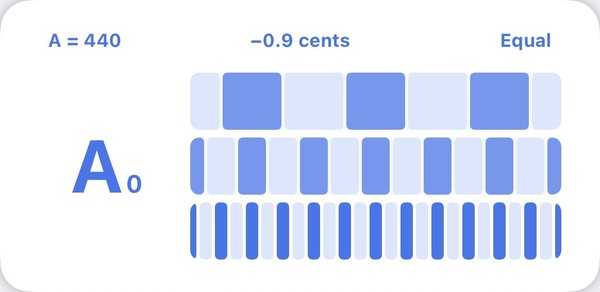
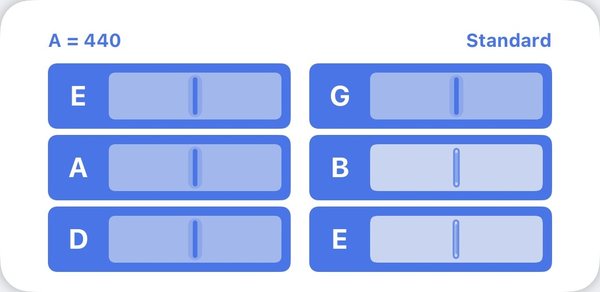
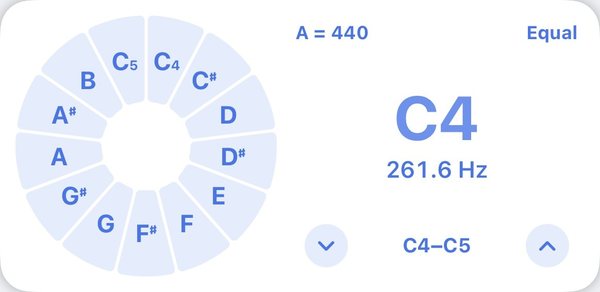
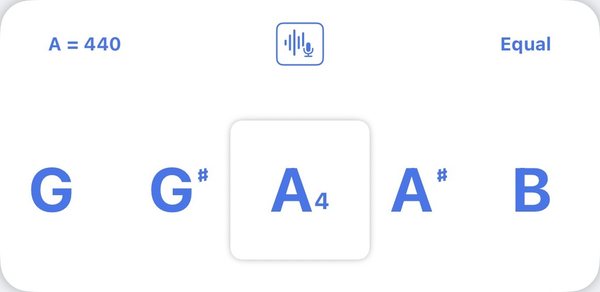
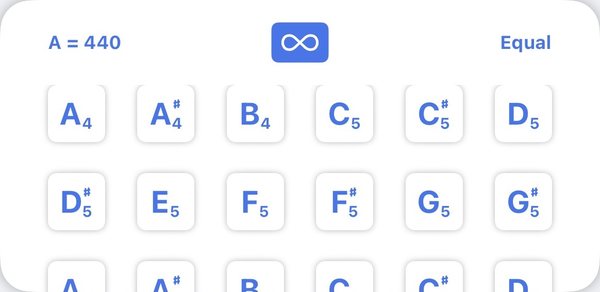
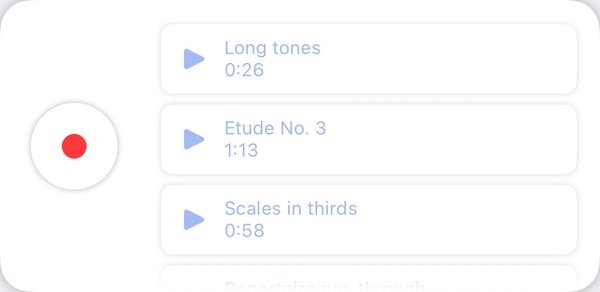

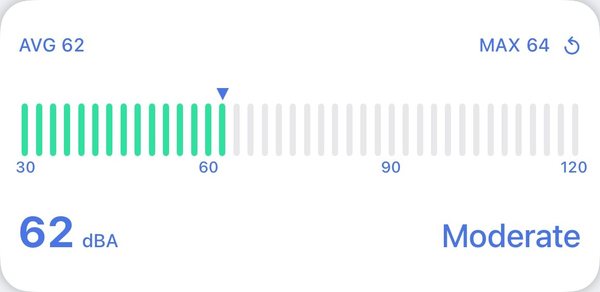
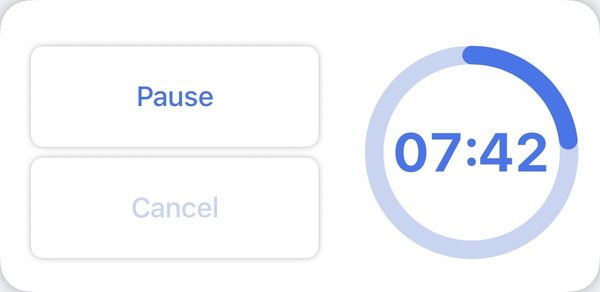
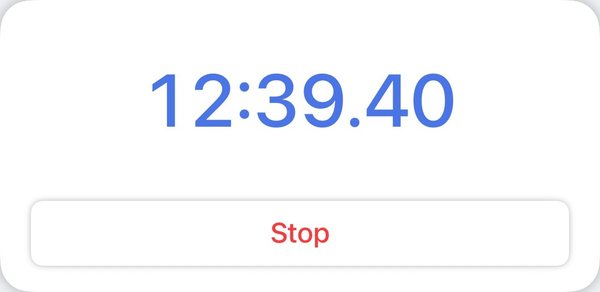

Tune anyinstrument.
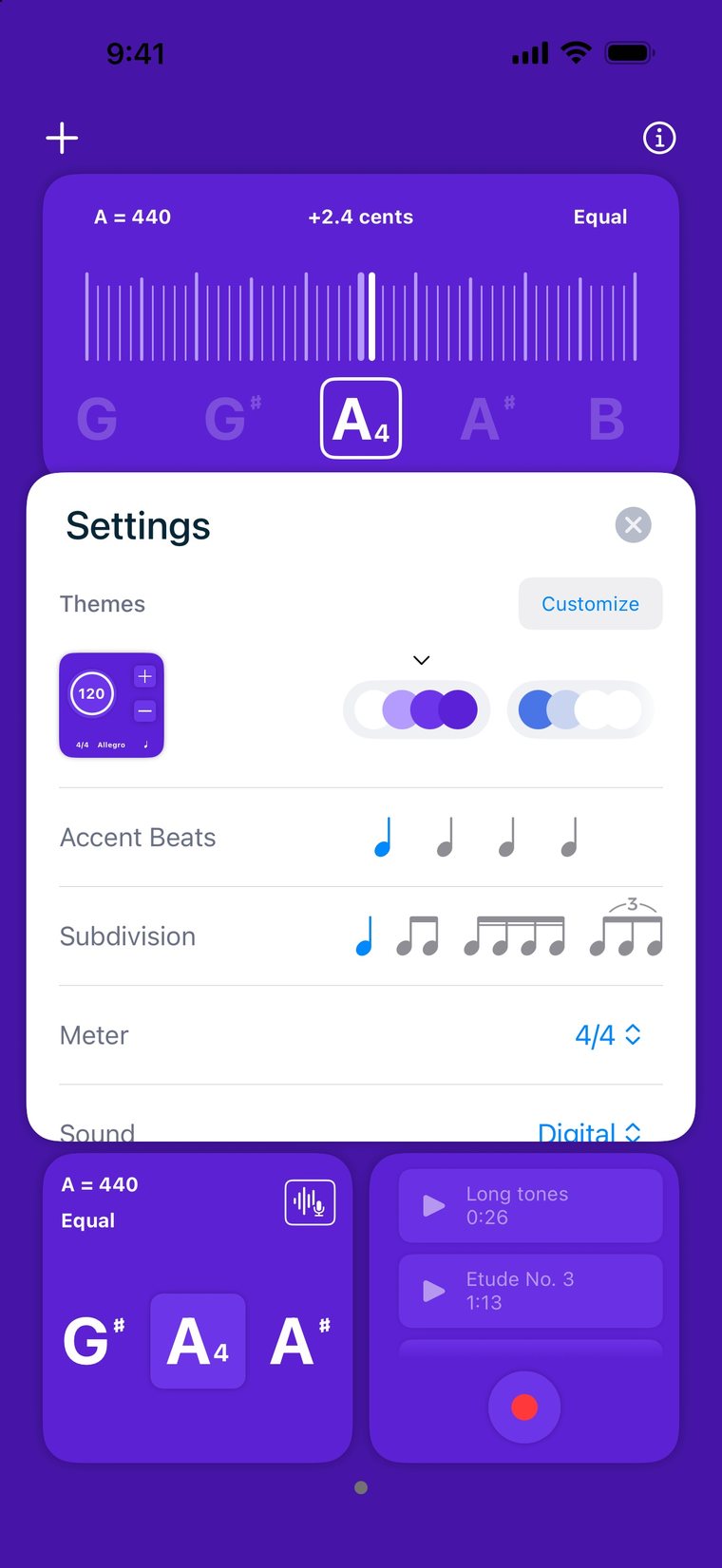
Choose a needle, a strobe or a strings tuner. The strobe uses phase detection, so even a small drift shows as movement.
- Check all strings in one strumThe Strings tuner knows 62 instruments, from guitar and bass to ukulele, violin, mandolin, banjo and folk instruments, with 247 tunings, a capo and your own tunings.
- 8 temperamentsEqual, Just, Just Minor, Pythagorean, Meantone, Werckmeister III, Kirnberger III and Vallotti.
- Your reference, your keySet A4 anywhere from 392 to 491 Hz and transpose to any key, with sharps or flats.
- Feel when you're in tuneA light tap on the phone once you hold the note in tune.
Odd meters.Custom accents.
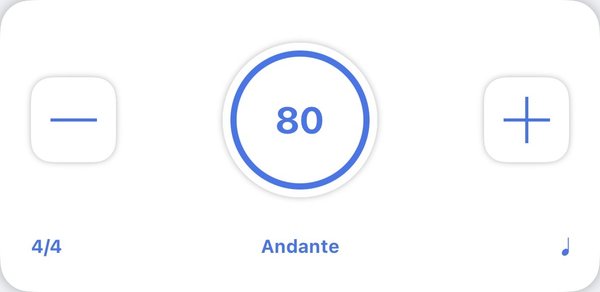
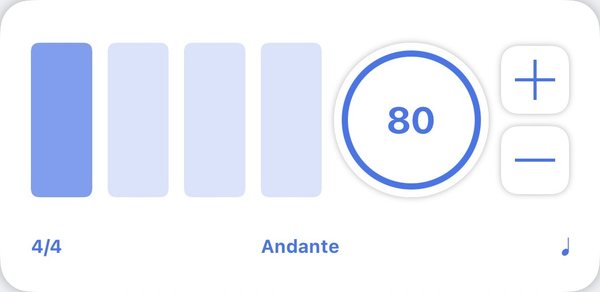
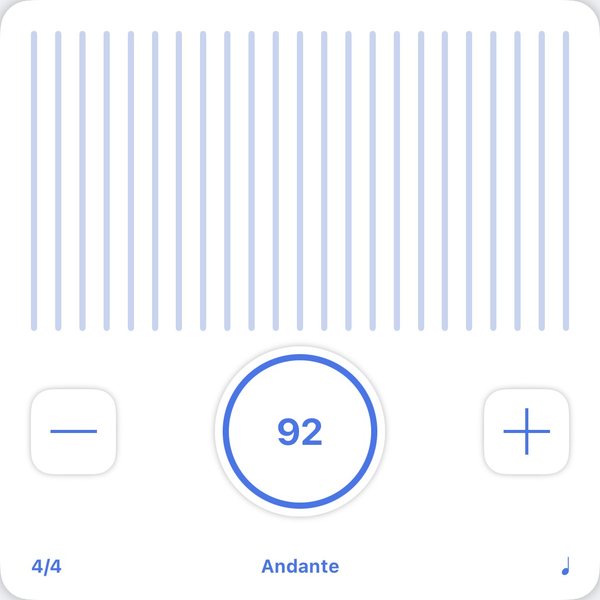
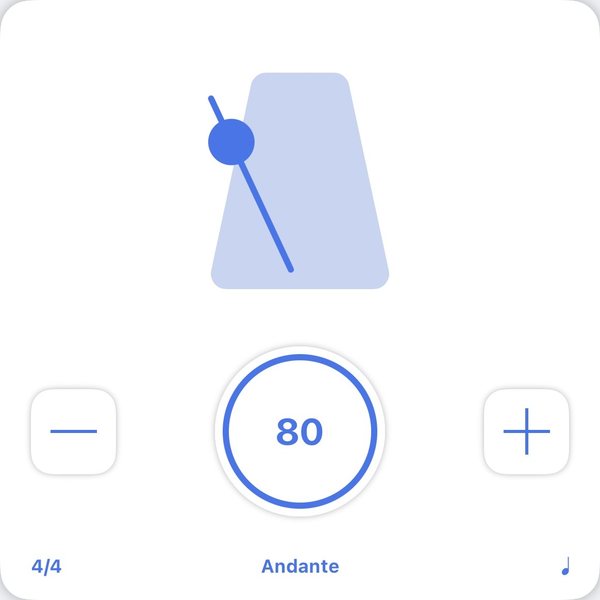
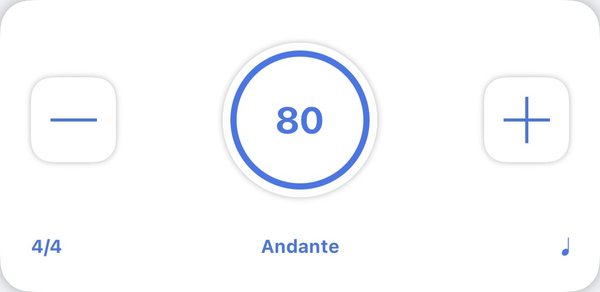
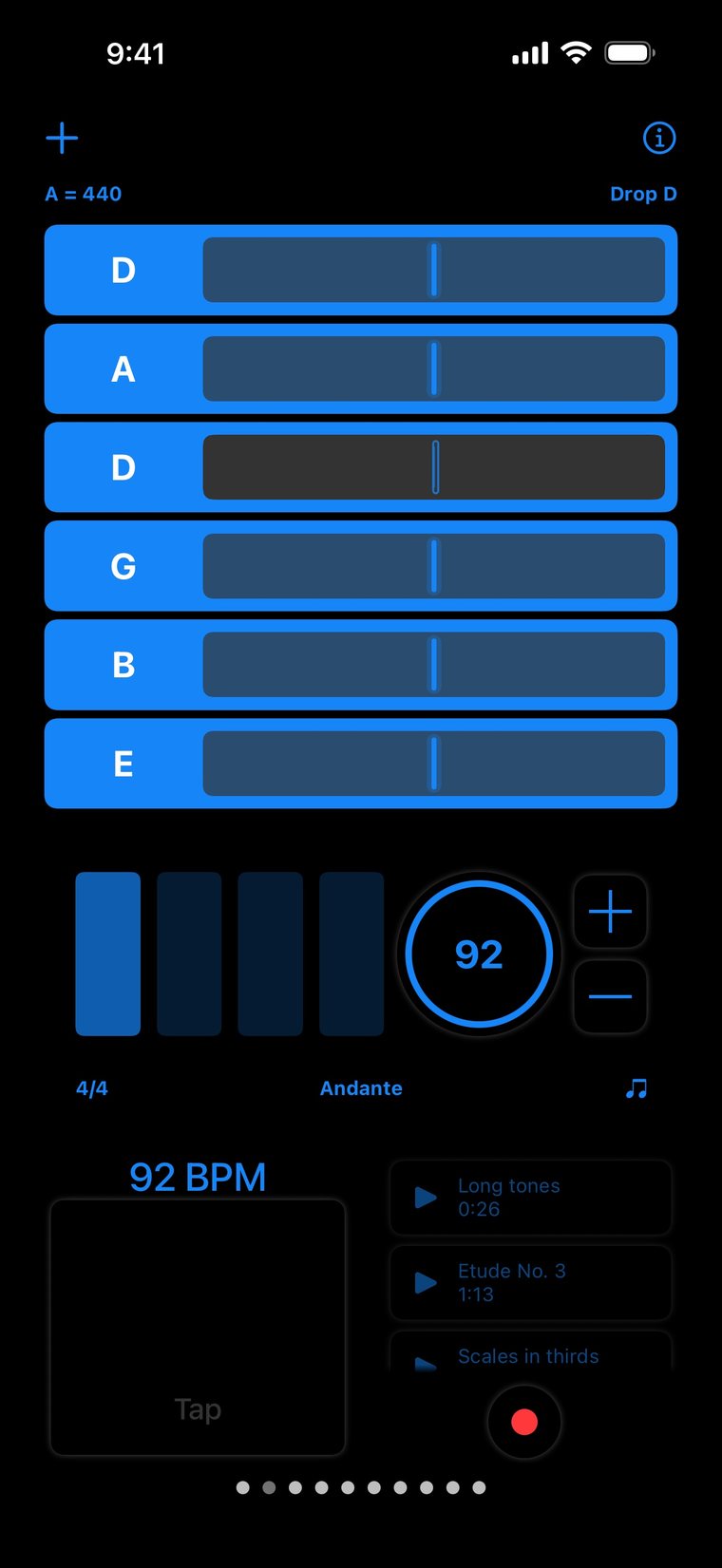
Run one metronome, or several at once at different tempos. Set 30 to 300 BPM in any of 15 meters, including 5/8, 7/8 and 12/8, and make each beat accented, normal or silent.
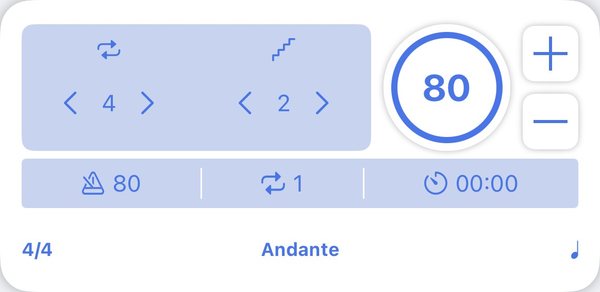
- Speed trainer for tough passagesAuto Increase loops 1 to 31 bars, then moves the tempo up or down by as much as 30 BPM. A count-in gets you started.
- Six sounds and subdivisionsAnalog, Digital, Clave, Woodblock, Shaker and Tick, from eighth notes to triplets.
- Random MuteDrops some of the beats at random so you learn to keep time on your own.
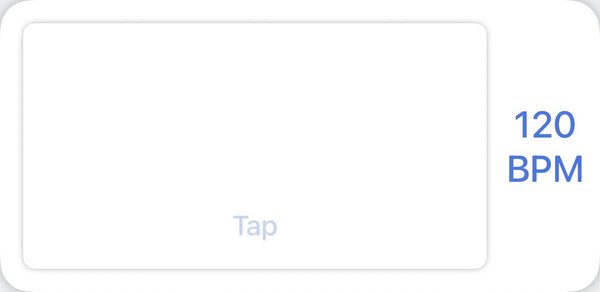
- Tap TempoTap the beat and every metronome on the page takes the new tempo.
Pitch pipeand drones.
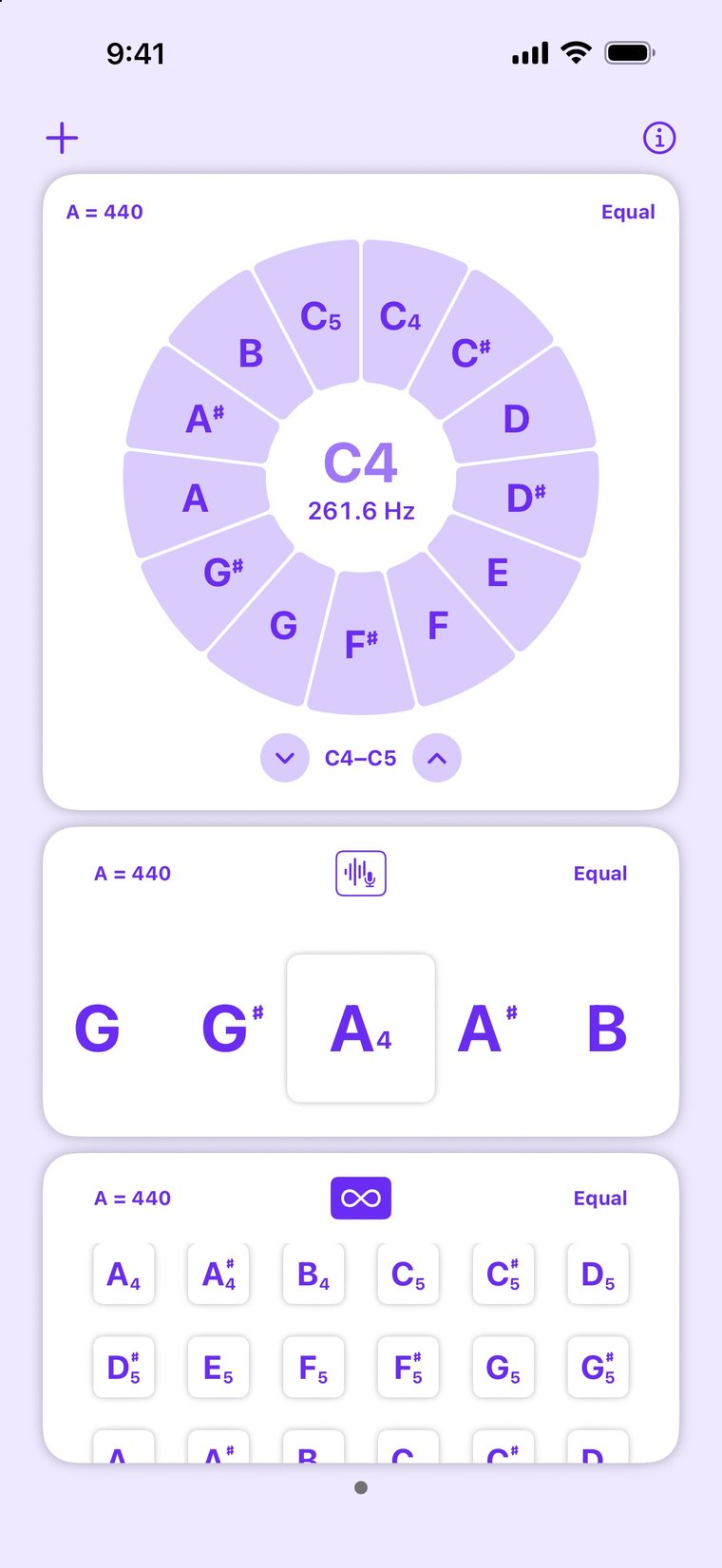
Play a starting note, hold a drone under your scales, or build a chord to tune against. Notes follow the same 8 temperaments as the tuner.
- Pitch PipeThirteen notes on a wheel, from C to C or F to F, with the frequency of each.
- Sound BackPlay a note and the app plays it back to you as a drone.
- Six soundsSine, saw and square, plus sampled clarinet, pipe organ and trumpet.
- Chords in just intonationMulti plays several notes at once, with sustain, from A1 to C8.
Plan and trackyour practice.
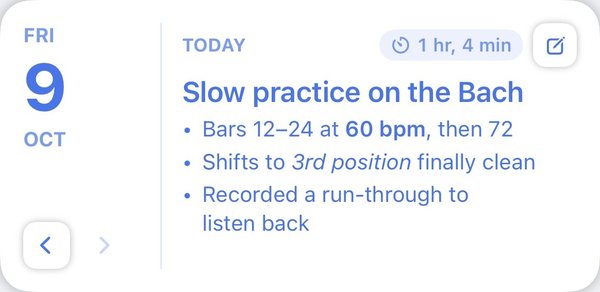
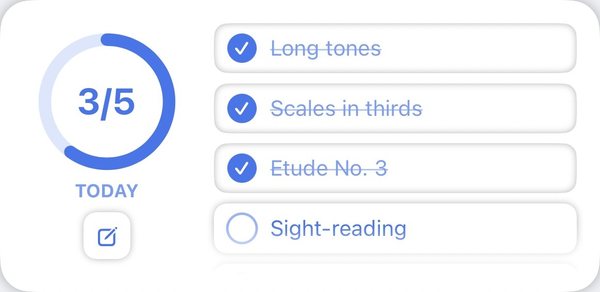
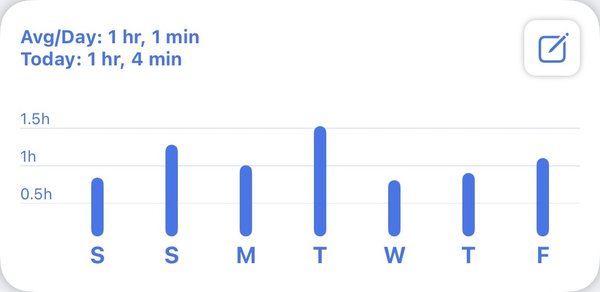
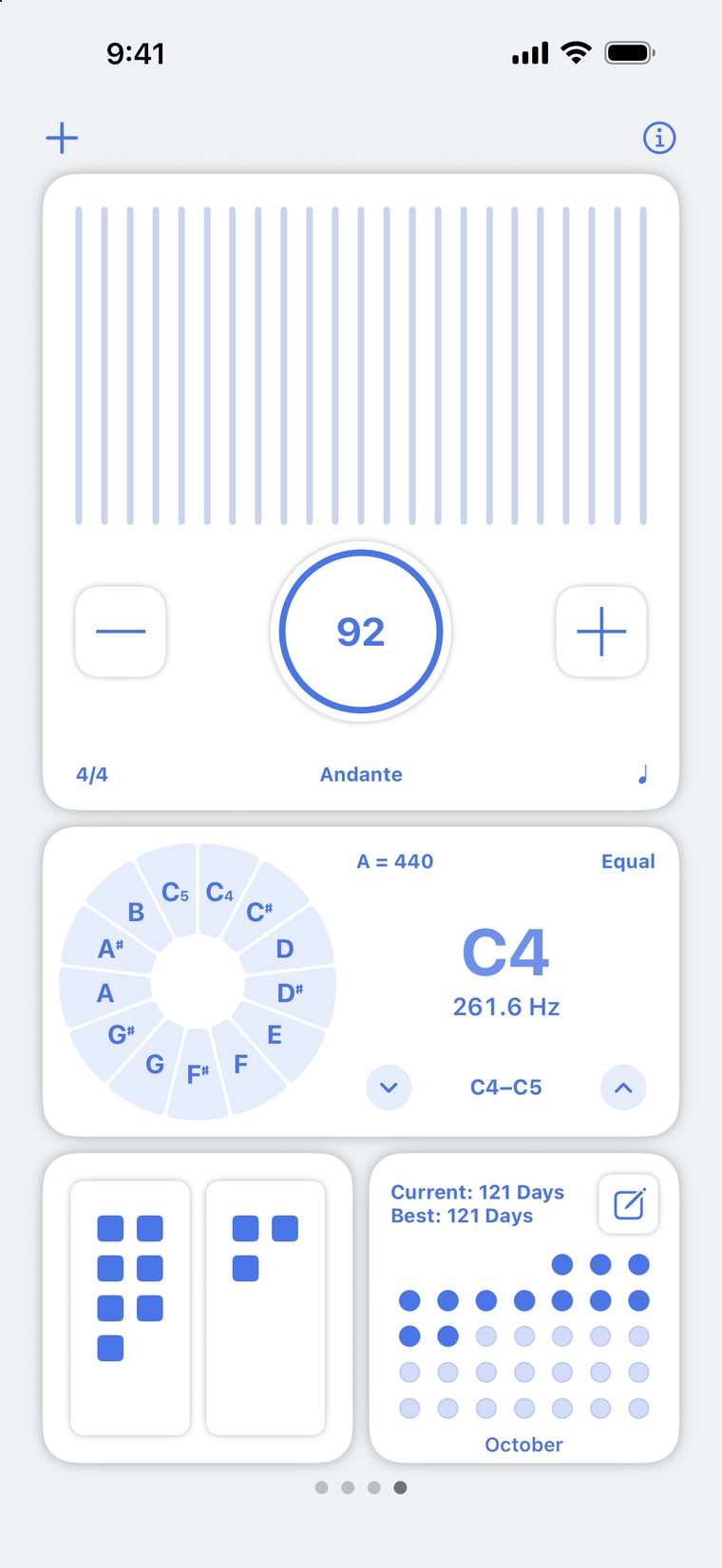
Write today's routine, check it off as you go, and see how much you played this week. Practice time counts on its own while the app is open.
- Practice JournalA page for each day. Send a recap to your teacher for the last week or any dates you pick, with a PDF if you like.
- Practice RoutineA daily checklist: warm-up, long tones, scales, etudes, repertoire.
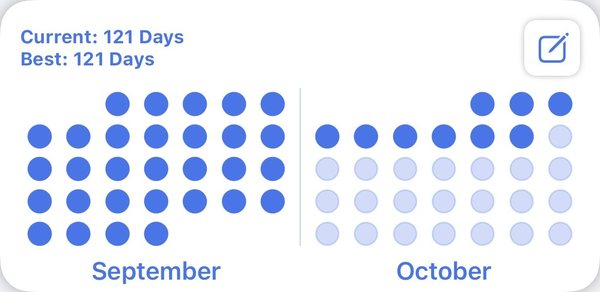
- Tracker and streaksMinutes per day against your goal, and your current and best streak.
58 colorthemes.
Give each widget its own colors, or retheme the whole page in one step. Make your own themes from four colors: backdrop, buttons and two accents.
Tap a theme to see this page in it. Theme 1 of 58
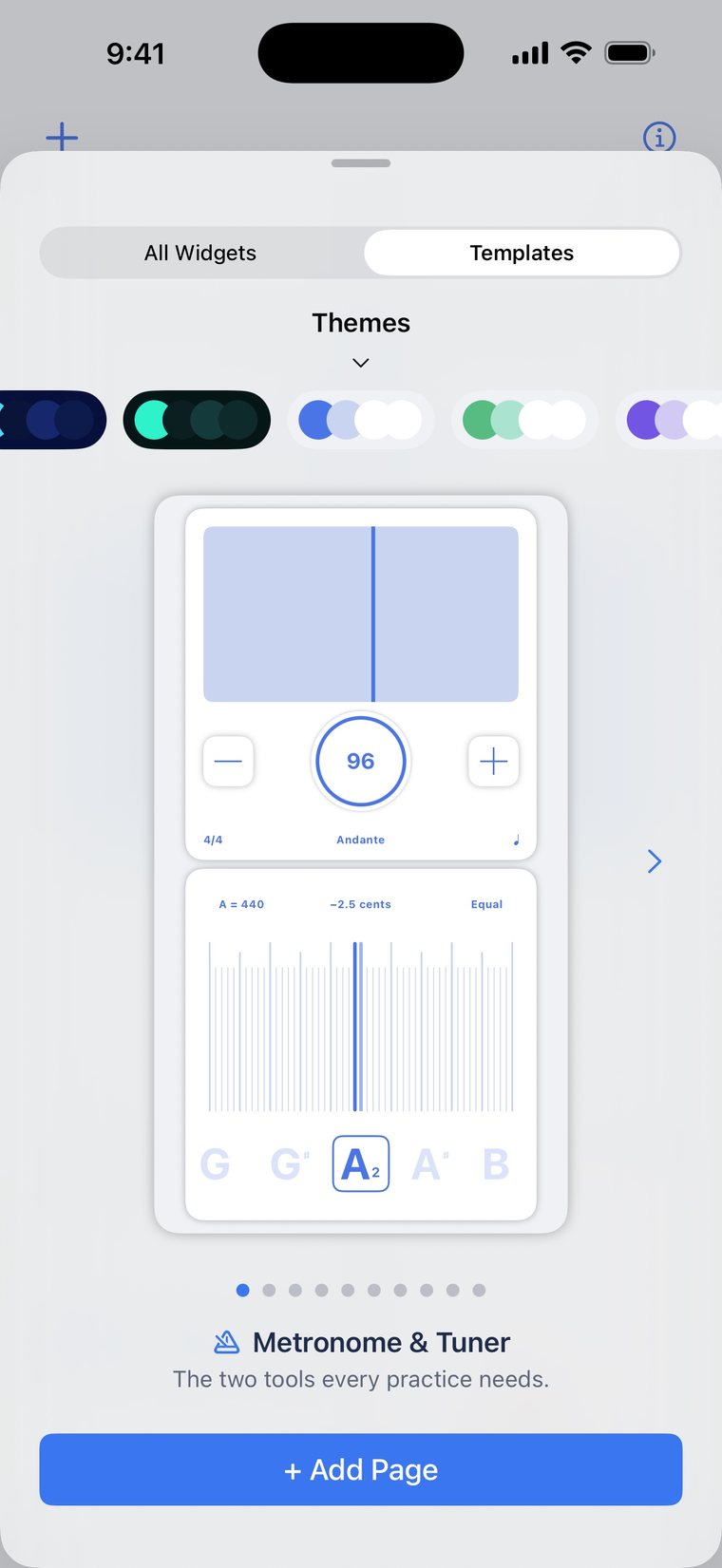
Start froma template.
Ten ready-made pages. Add one, then change anything you like.
- Metronome & TunerThe two tools every practice needs.
- GuitarTune up, lock in with the metronome and record your riffs.
- Vocal Warm-upFind your starting note, check your pitch and warm up for ten minutes.
- ViolinTune each string, then play your scales against a drone.
- Winds & BrassLong tones at 60 BPM. Hold a steady pitch and monitor volume.
- Rhythm LabMixed meter time signatures, tap tempo and rep counter.
- Speed BuilderStart slow and let the metronome automatically increase speed at a rate you set.
- Performance PrepFilm a run-through, time it and write down what to fix.
- Practice PlannerPlan your practice, stay on task and keep your streak alive.
- Ear TrainingPlay chords in perfect just intonation and keep an eye on your pitch.
Your pages,on every device.
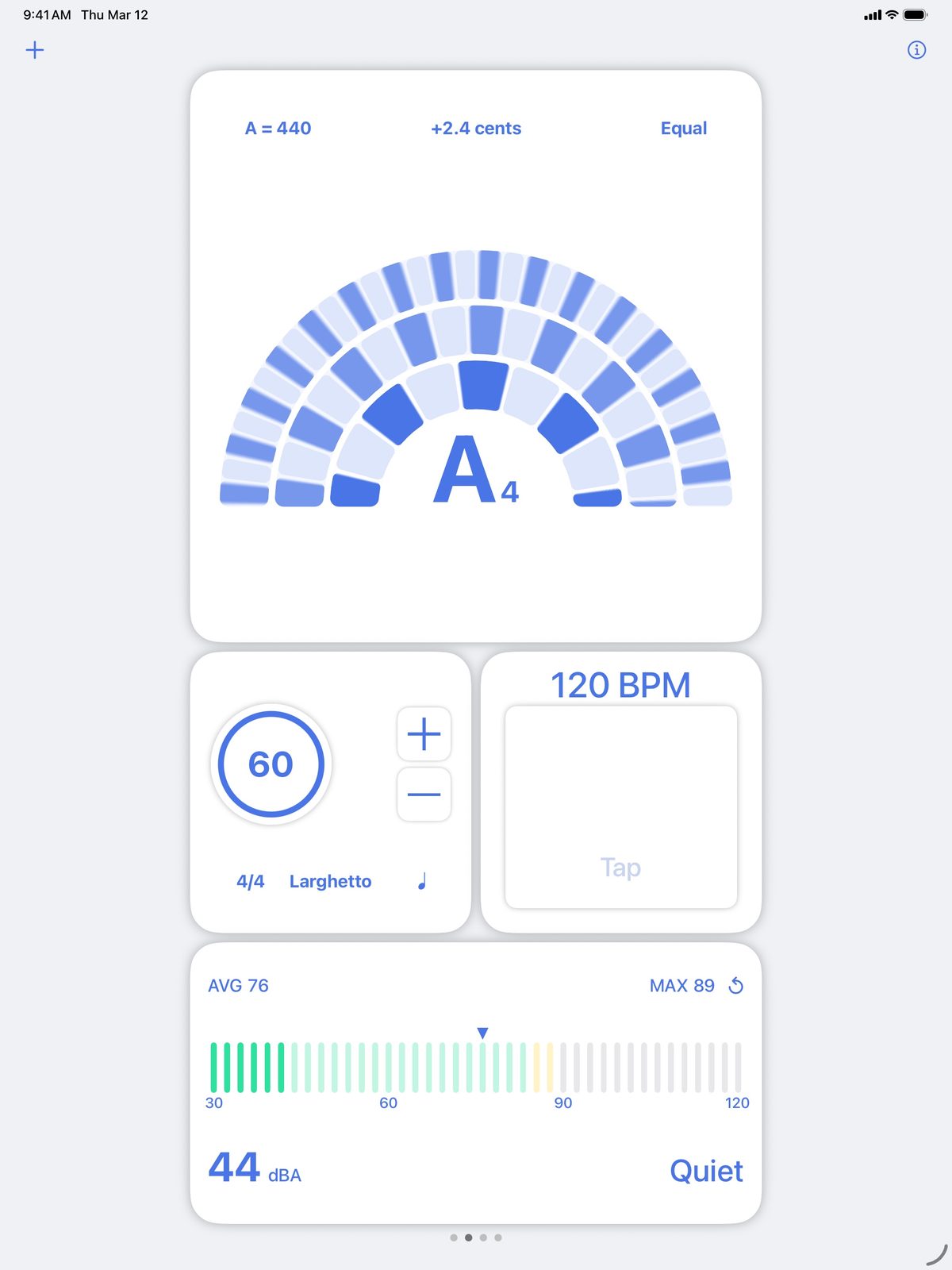
Pages, settings, your journal, practice history and recordings sync through iCloud. Turn the device sideways and the page lays itself out in landscape.
And the rest.
iCloud sync
Your pages and practice history on all your devices, with backups.
Share a page
Send a page you built to a student or a friend. It opens in Practice Pro.
A volume for each widget
Turn the drone down and the click up, each on its own.
Background sound
Keep the metronome or a drone going when you switch to your sheet music.
As many pages as you want
Warm-up, repertoire, ensemble. Swipe between them.
Haptics
Every control answers with a light tap. Turn them off in one switch.
16 languages
Including French, German, Spanish, Japanese, Korean and both Chinese scripts.
VoiceOver
Labels and actions throughout, down to the tuner's cents and each subdivision.
“This app does literally everything! Metronome, tuner, pitch, records, everything. You can have multiple pages with your widgets and it’s totally customizable.”
“As a professional cellist, it provides a lot of tools I find helpful, and fun ways to personalize the appearance.”
“Being able to use the metronome, pitch drone, and tuner at the same time is exactly what I needed.”

Every tool, made forserious practice.
Free on iPhone and iPad, with all 28 widgets and 58 themes.

Requires iOS 18 or later.

Made by a musician.
I'm Joe LeBlanc, a lifelong jazz enthusiast and, for twenty years, a musician in the United States Marine Corps. I've been building apps since 2011, including Practice+ and Transcribe+.
Built on Apple frameworks
Practice Pro is a native app for iPhone and iPad. The listening, timing and sound all happen on your device.
Every page, widget and sheet.
The metronome, drones, recorder and camera.
Fast signal processing for the tuners and decibel reader.
Keeps pages, journal and practice history in sync.
The taps under your fingers.
Pictures for the Photo widget, videos saved to Photos.
Previews a shared page before you open it.
Tells you when a timer ends.